
Photography to preview
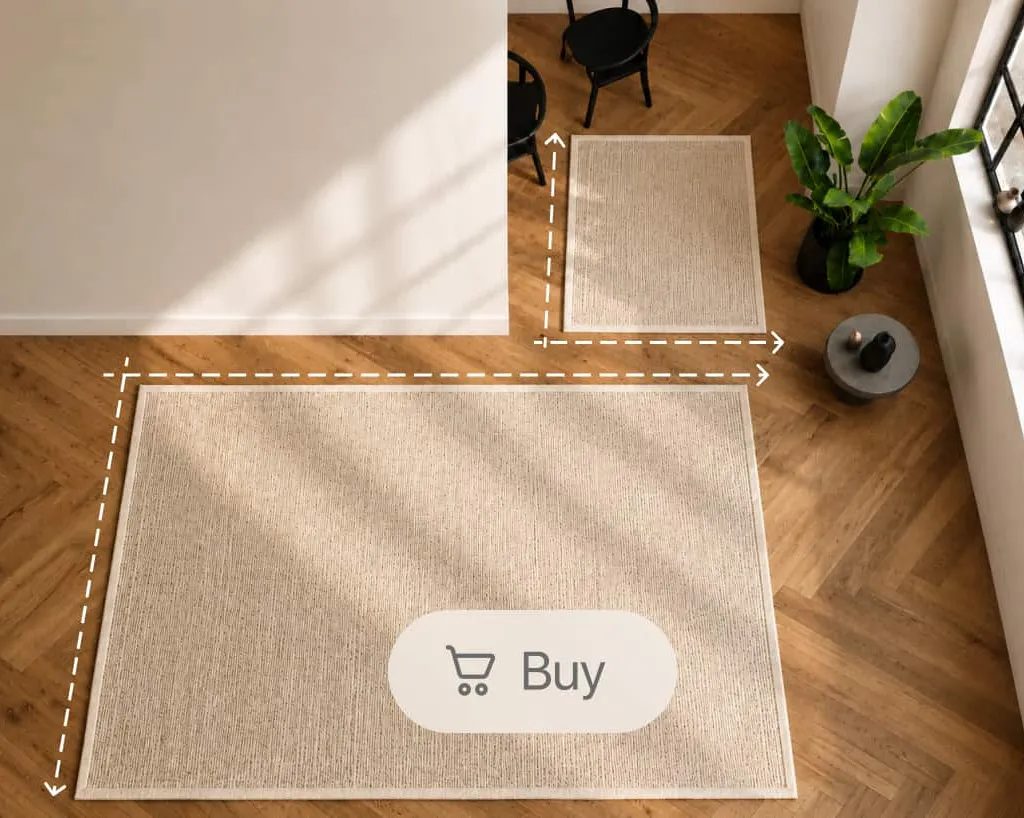
Use a top-down rug image and its dimensions. No separate 3D model is needed.
AR rug visualizer
A rug has to work with the sofa, the floor and the way a room feels. Vizbl brings that context to your product pages, so shoppers can move beyond imagining the fit.
Capabilities
Use a top-down rug image and its dimensions. No separate 3D model is needed.
Let shoppers explore rugs in styled rooms on desktop or mobile, without uploading a photo.
Bring the rug into an uploaded room image so shoppers can compare it with their furniture.
Place, move and rotate the rug on a real floor using a supported mobile device.
Show the options in your collection and help shoppers compare their proportions and appearance.
Prepare rectangular, square, round and oval rugs with the dimensions each shape needs.
Upload rug images, enter dimensions and maintain your collection as products change.
Add a preview button to each rug page and keep the selected product connected to its room view.
A clean overhead image and dimensions are the starting point. Build previews for your sizes and colorways, then launch them from a button on each product page.
Plan your implementationChoose clean overhead photographs, accurate dimensions and the destination product pages.
Upload the product image, select the shape and add the sizes and colorways you sell.
Register the storefront domain and add a preview button to the relevant product pages.
Check room previews, phone AR and product matching, then open the experience to shoppers.
Common questions
No. The rug workflow uses a clean top-down product image and dimensions. The same image can support multiple sizes.
Yes. They can upload a room photo or open phone AR. Preset interiors also let them browse on desktop or mobile without uploading an image.
No. AR helps customers assess visual proportion and placement. Color, texture and hand feel should still be evaluated with your product details and, where appropriate, a sample.
Yes. Add the preview to your existing product pages. Shoppers can explore a rug in context and continue through your current purchasing journey.
Your collection. Your next step.
Bring a few rug images and the sizes you sell. We will walk through the catalog and the shopper experience together.
Let’s talk about your catalogA conversation with the Vizbl team.